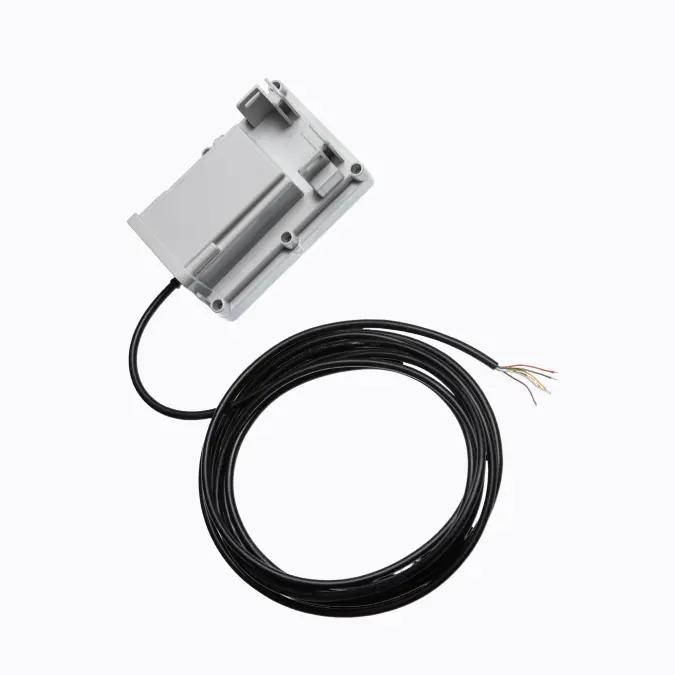
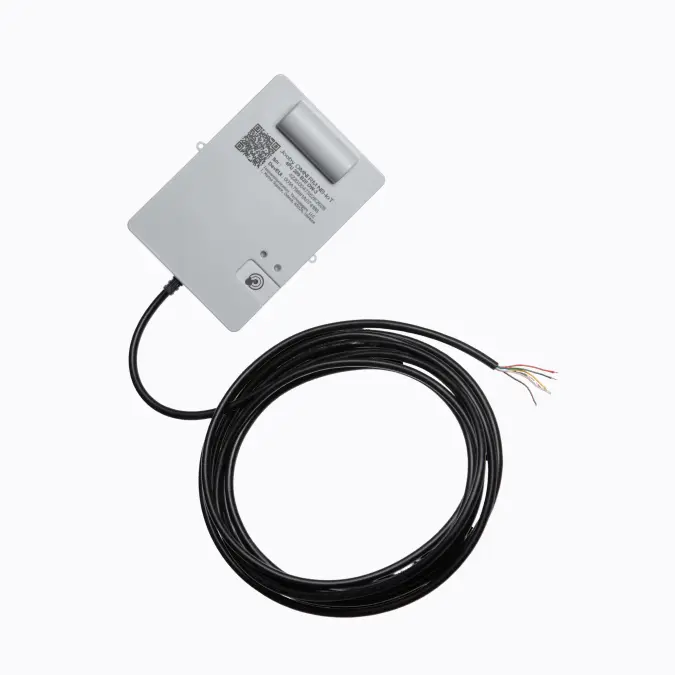
Description
How it works
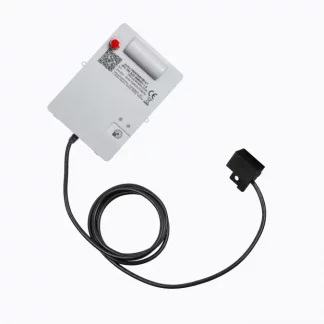
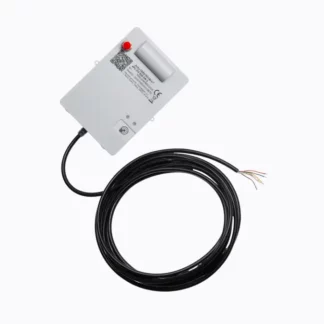
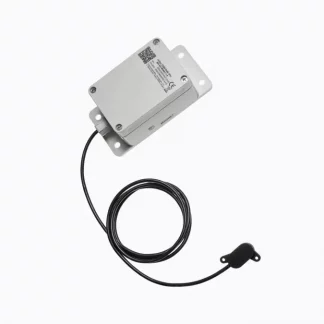
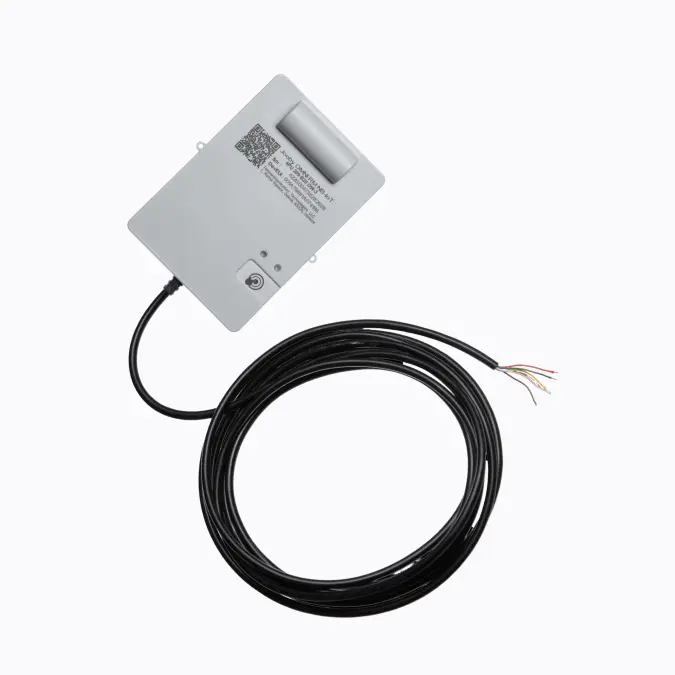
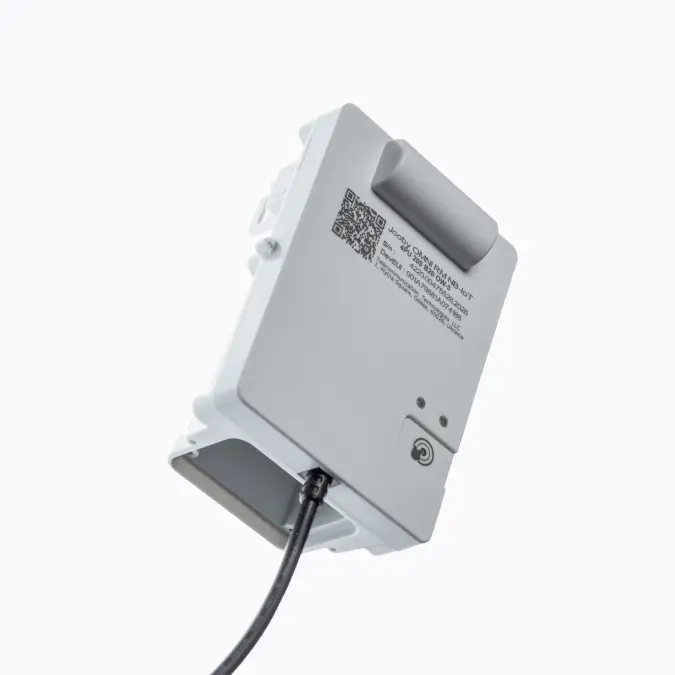
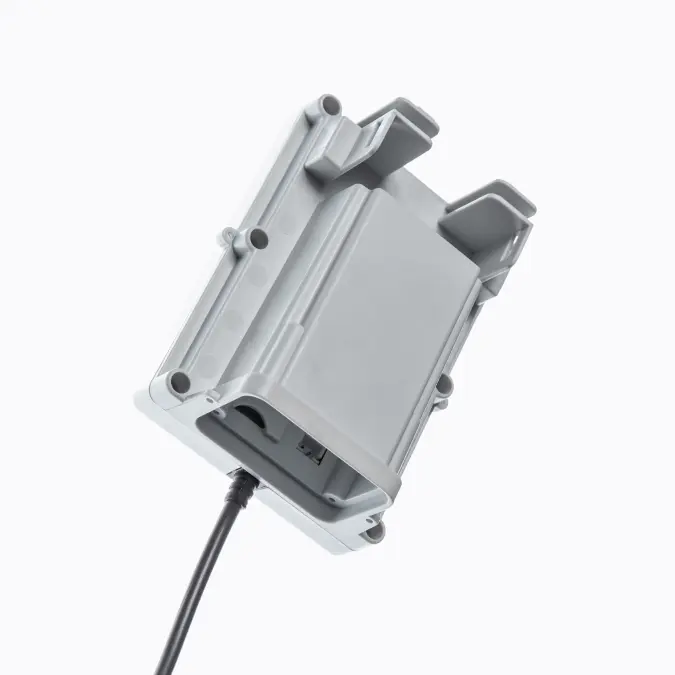
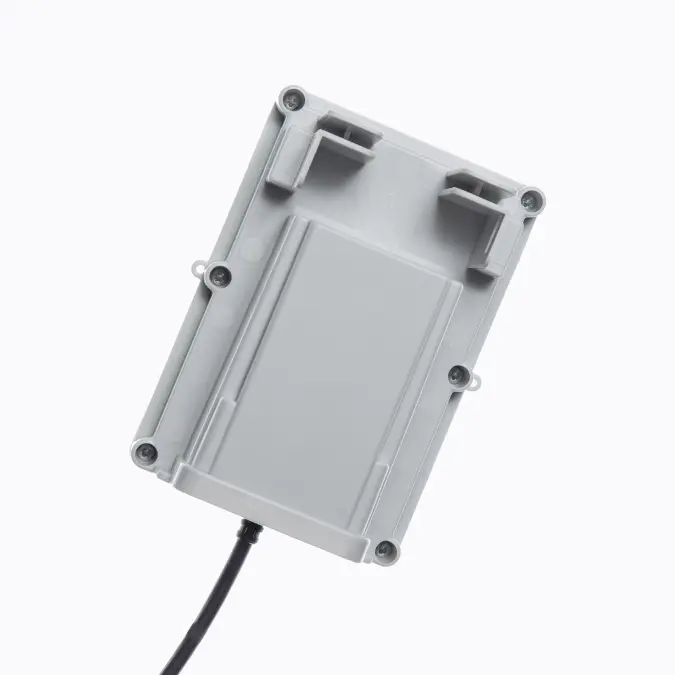
| The device is installed close to the metering unit, securely mounted, and connected to the meter via a sensor. Before installation, sensor compatibility should be verified to ensure stable operation with the Jooby radio module.
The device is activated with a magnet. Once activation is complete, the radio module automatically reads the meter values and transmits the counted pulses. According to the configured schedule, the data is sent to the server over the NB-IoT wireless network. On the server, it is converted into readings and made available to the supplier in the metering system. Instant readings can also be transmitted using the touch button. |
Cable length table
| Cable length, m | Sensor part number |
| 0,5 | JOOBY OMNI RM NB-IoT 4PU 209 B20 OW-0,5 |
| 1,5 | JOOBY OMNI RM NB-IoT 4PU 209 B20 OW-1,5 |
| 2 | JOOBY OMNI RM NB-IoT 4PU 209 B20 OW-2 |
| 3 | JOOBY OMNI RM NB-IoT 4PU 209 B20 OW-3 |
| 4 | JOOBY OMNI RM NB-IoT 4PU 209 B20 OW-4 |
| 5 | JOOBY OMNI RM NB-IoT 4PU 209 B20 OW-5 |
| 6 | JOOBY OMNI RM NB-IoT 4PU 209 B20 OW-6 |
| 7 | JOOBY OMNI RM NB-IoT 4PU 209 B20 OW-7 |
| 8 | JOOBY OMNI RM NB-IoT 4PU 209 B20 OW-8 |
| 9 | JOOBY OMNI RM NB-IoT 4PU 209 B20 OW-9 |
| 10 | JOOBY OMNI RM NB-IoT 4PU 209 B20 OW-10 |
| 11 | JOOBY OMNI RM NB-IoT 4PU 209 B20 OW-11 |
| 12 | JOOBY OMNI RM NB-IoT 4PU 209 B20 OW-12 |
| 13 | JOOBY OMNI RM NB-IoT 4PU 209 B20 OW-13 |
| 14 | JOOBY OMNI RM NB-IoT 4PU 209 B20 OW-14 |
| 15 | JOOBY OMNI RM NB-IoT 4PU 209 B20 OW-15 |
| 16 | JOOBY OMNI RM NB-IoT 4PU 209 B20 OW-16 |
| 17 | JOOBY OMNI RM NB-IoT 4PU 209 B20 OW-17 |
| 18 | JOOBY OMNI RM NB-IoT 4PU 209 B20 OW-18 |
| 19 | JOOBY OMNI RM NB-IoT 4PU 209 B20 OW-19 |